The Ultimate Zoho CRM Customization Hub
Most businesses install Zoho CRM and only scratch the surface. The real value is in how you customise, automate and optimise it for your specific sales process — the default configuration that ships out of the box was designed for an average business, not yours. This hub covers every layer of Zoho CRM configuration, and it is what ABR specialises in. Whether you are designing custom modules, building multi-step automation, locking down your CRM for GDPR compliance, or setting up Zoho CRM for the very first time — everything you need is organised here by topic.
Why CRM Customisation Determines Whether Your Team Uses It
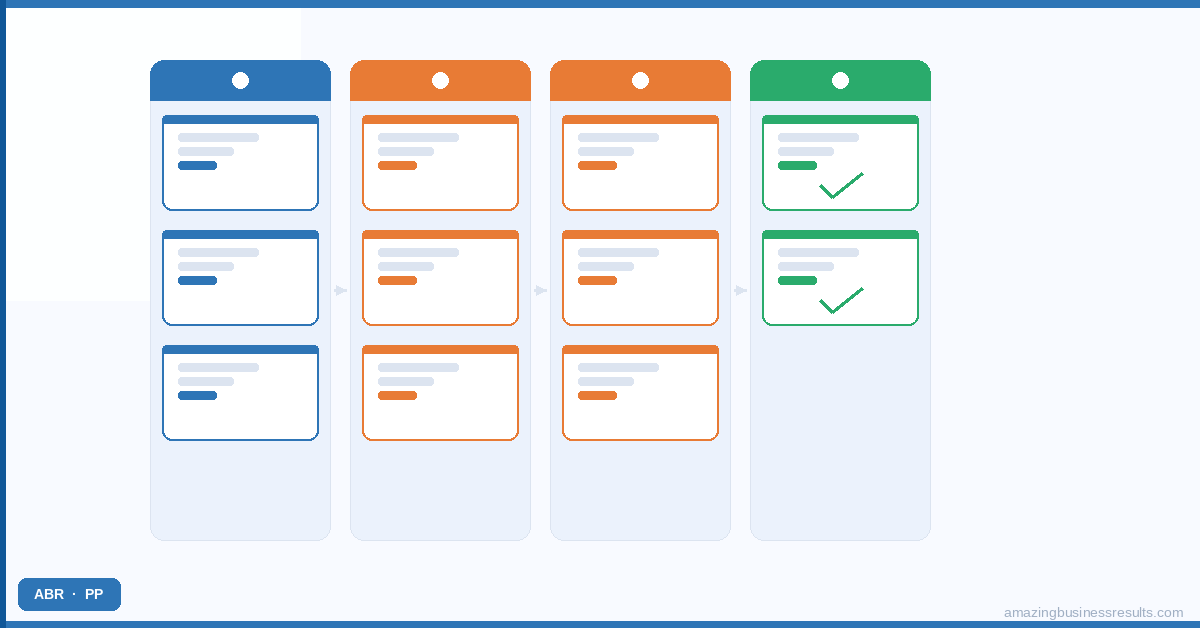
The most consistent factor in failed CRM implementations is the mismatch between the tool’s default setup and how the business actually works. Generic modules, generic field labels and generic pipeline stages are not how your sales team thinks about their deals. When the CRM does not reflect their actual process, they work around it instead of inside it.
Usage drops. Pipeline data becomes unreliable. Management loses the visibility the CRM was supposed to provide. The software gets blamed — but the real issue is configuration. A CRM built around how your business actually sells is a tool your team will use every day. For a deeper look at why CRM projects fail, see our guide on the most common CRM implementation mistakes.
The Four Areas of Zoho CRM Configuration
ABR organises all Zoho CRM work into four specialist areas. Each has its own hub page with dedicated guides, tutorials and practical resources. Click any area below to go directly to that content.
Data Architecture and UI Design
This covers custom modules, custom fields, page layouts, Canvas Builder views and reports and dashboards. Getting the data structure right is the foundation — every automation, report and analysis you build later depends on the quality of the data going in. See the full Zoho CRM customisation guide for layouts, modules, fields and Canvas Builder.
Advanced Automation and AI
Zoho CRM has five types of automation — workflow rules, blueprints, cadences, scheduled functions and approval processes. Each solves a different problem in the sales process. This area also covers Zia, Zoho’s built-in AI layer for lead scoring, anomaly detection and sales forecasting. The Zoho CRM automation strategy guide explains all five types and when to use each.
Setup and Getting Started
Everything a new Zoho CRM user needs from first login to a working, properly configured system — modules, email setup, mobile app, lead management and the fundamentals of how Zoho CRM organises data. The Zoho CRM setup and basics hub is the right starting point if you are setting up Zoho CRM for the first time.
Data Security and Compliance
GDPR configuration, user permissions and role-based access, field-level encryption, IP login restrictions and audit logs. Your CRM holds your most sensitive business data — customer records, deal values and communication history. The Zoho CRM security and compliance hub covers how to protect it at every layer.
Zoho CRM Services from ABR
ABR provides the full range of Zoho CRM services for SMBs across North America and the UK. Every engagement starts with understanding your sales process — not with a feature walkthrough.
CRM Implementation from Scratch
Full Zoho CRM implementation for businesses setting up CRM for the first time or migrating from spreadsheets. Covers data structure design, module configuration, pipeline setup, email integration and team training. See our Zoho CRM implementation services for scope and timeline details.
CRM Customisation
Canvas Builder design, custom module creation, page layout rebuild and field structure audit. Aimed at businesses that already have Zoho CRM deployed but whose team avoids using it because the configuration does not match how they work. The starting point is the Zoho CRM customisation guide.
CRM Automation Build
Workflow rule design, blueprint build, cadence setup and approval process configuration. ABR audits your existing automation first to identify gaps, duplicate triggers and misconfigured conditions before adding anything new. See the Zoho CRM automation guide for a full breakdown of automation types.
CRM Migration
Data migration from Salesforce, HubSpot, Pipedrive or spreadsheet-based systems. Includes field-level data mapping, historical record import, post-migration validation and a parallel-run period before the old system is decommissioned. See our Zoho CRM data migration guide for the full process.
CRM Training
One-on-one and team training for Zoho CRM users at every level. Admin training covers configuration and settings. Sales team training covers daily use and pipeline management. Manager training covers reports, dashboards and forecasting. Details at our Zoho CRM course page.
What Our Clients Achieve with a Properly Configured Zoho CRM
ABR works with SMBs across professional services, real estate, healthcare, technology and construction. Here is what a well-configured Zoho CRM implementation produces in practice:
- A professional services firm reduced deal cycle time by 40% after blueprint automation removed manual stage transitions and follow-up tasks from the sales team’s daily workload.
- A real estate agency set up automatic lead assignment within five minutes of form submission, with 14-day follow-up sequences running without any manual input.
- A healthcare practice built a GDPR-compliant patient CRM with custom modules, role-based access and field-level encryption — passing their compliance audit with no findings.
See the full collection of ABR client case studies for more implementation results across industries.
Is Zoho CRM the Right Choice for Your Business?
For SMBs comparing CRM options, Zoho CRM’s primary advantage over Salesforce and HubSpot is the combination of deep customisation and native integration across the Zoho ecosystem — at a price point that does not require an enterprise budget.
Zoho CRM integrates natively with Zoho Books, Zoho Campaigns, Zoho Desk, Zoho Projects and the rest of the Zoho One platform — no third-party middleware and no per-integration fees. For businesses that need CRM plus other business tools, this matters.
Here is how Zoho CRM compares with the alternatives most ABR clients were evaluating:
Frequently Asked Questions
Zoho CRM has a free edition for up to three users. Paid plans run from Standard ($14/user/month) to Ultimate ($52/user/month). The Professional plan ($23/user/month) covers most SMB requirements including blueprints, cadences and advanced analytics. See the full Zoho CRM pricing guide for a plan-by-plan breakdown.
Is Zoho CRM good for small businesses?
Zoho CRM is particularly well suited to SMBs because it provides enterprise-grade customisation at a price point that works for smaller teams. The free plan covers basic CRM use. The Professional plan covers most of the automation and customisation features a growing business needs. The main consideration is that Zoho CRM rewards proper configuration — the default setup delivers a fraction of the potential value.
Can Zoho CRM be customised for my industry?
Zoho CRM supports deep customisation for any industry with a sales or client management process. ABR has built Zoho CRM configurations for professional services firms, real estate agencies, healthcare practices, SaaS companies, construction businesses and financial services firms. The customisation depth is one of Zoho CRM’s clearest advantages over HubSpot and Salesforce at equivalent price points.
How long does Zoho CRM implementation take?
A standard ABR implementation runs four to eight weeks. Basic implementations — module setup, pipeline configuration, email integration and team training — take four weeks. Implementations that include custom modules, Canvas Builder design, full automation build and data migration from another CRM take six to eight weeks.
What is the difference between Zoho CRM and Zoho One?
Zoho CRM is a standalone CRM application. Zoho One is an all-in-one business platform that includes Zoho CRM plus 45+ other tools — accounting, HR, project management, marketing, customer support and more. For businesses that want CRM alongside other Zoho tools, Zoho One is typically better value per user. See the Zoho One ecosystem guide for the full picture.
Can Zoho CRM automate my sales process?
Zoho CRM offers five types of automation: workflow rules for event-triggered actions, blueprints for enforcing stage-by-stage processes, cadences for multi-step outreach sequences, scheduled functions for time-based scripted automation and approval processes for deal sign-off workflows. The Zoho CRM automation guide covers when to use each type.
Zia is Zoho CRM’s built-in AI layer. It provides lead and deal scoring based on activity patterns, anomaly detection on pipeline data, email sentiment analysis, sales forecasting and call scheduling recommendations. Zia is available on Professional, Enterprise and Ultimate plans. The Zoho CRM Zia AI guide covers its full capability set.
Can I migrate from Salesforce to Zoho CRM?
Yes. ABR has completed multiple Salesforce-to-Zoho CRM migrations. The process covers mapping Salesforce objects to Zoho CRM modules, field-by-field data export and import, automation rebuild and a validation period before Salesforce is decommissioned. See the Zoho CRM data migration guide for the full process.
Do I need a Zoho consultant to use Zoho CRM?
The basic Zoho CRM features are accessible without a consultant. A consultant adds value during implementation design — building the right data structure for your sales process, configuring automation correctly, and resolving configuration challenges that are not covered in standard documentation. ABR offers a free initial consultation to assess where hands-on support would make a difference. Work with a certified Zoho consultant to discuss your situation.
Ready to Get More from Zoho CRM?
Or explore our full Zoho consulting services to see the complete range of CRM services ABR offers.